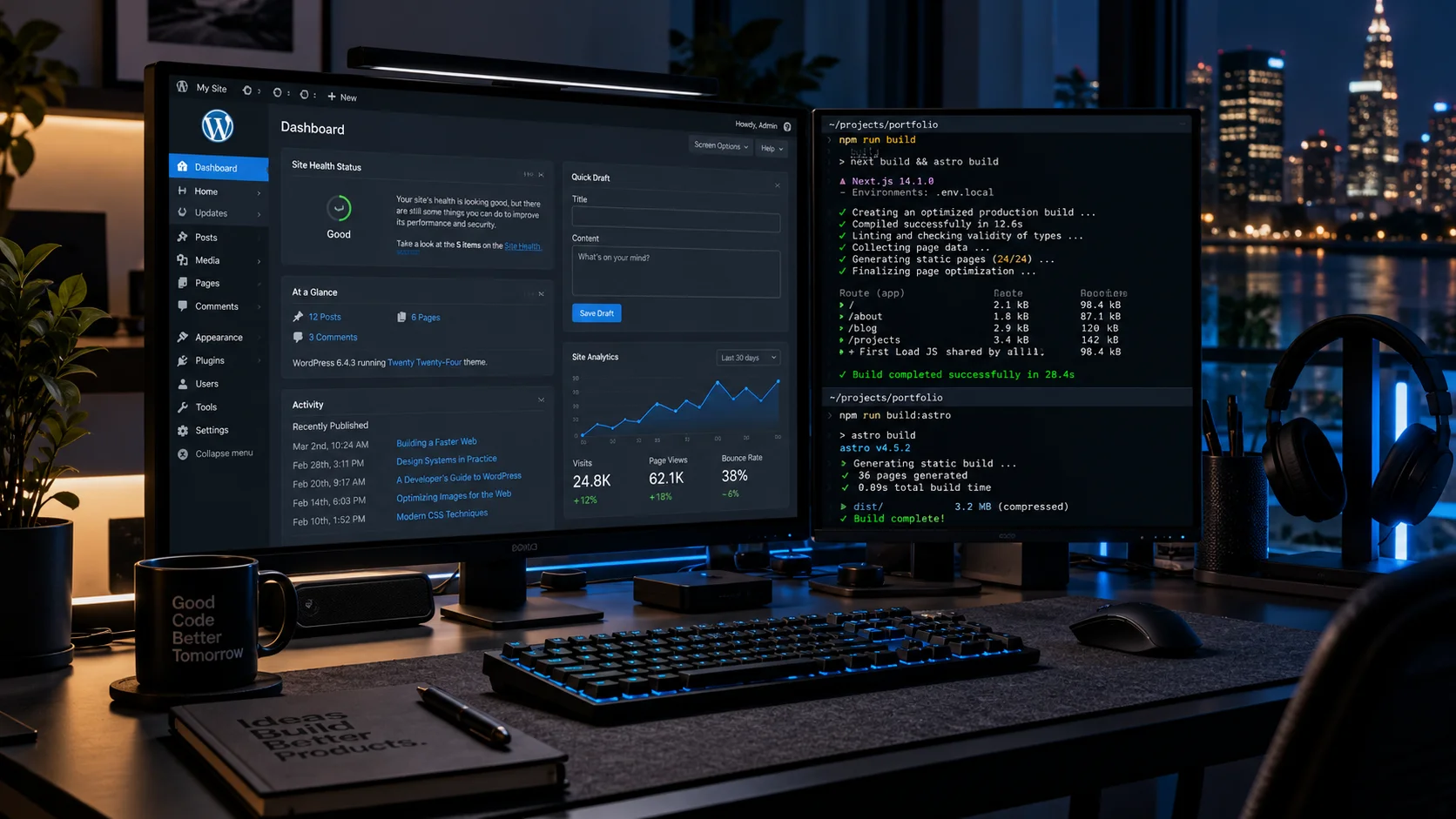
WordPress currently powers about 39.6% of all websites and 58.3% of the market of sites with a known CMS (data from W3Techs, read on 21 October 2026). It has a huge community and an admin panel almost everyone knows. The weak point is often what the user sees: a theme, a dozen plugins, slower loading and limits on interface design.
Headless WordPress separates these two things. WordPress stays the content management system, while the site visitors see is built separately and pulls content through the REST API or WPGraphQL.
In short
- Headless = WordPress as a content panel + a separate frontend (Astro, Next.js) fetching data through an API.
- It pays off when you care about performance, a custom UI or publishing content to several channels.
- For a simple brochure site it is overkill: you pay for two layers instead of one.
- Frontend plugins (forms, SEO, caching) have to be replaced with custom code.
How headless architecture works
In classic WP, one system does everything: it stores content, renders HTML and loads plugin scripts. In headless, responsibility is split:
The editor edits content
The WordPress panel and ACF fields work as before, with no new CMS to learn.
The API exposes data
WPGraphQL (or the REST API) returns posts, pages and custom fields as JSON.
The frontend builds the site
Astro or Next.js fetches the data, generates HTML and takes care of speed and accessibility.
A CDN serves visitors
Finished pages go to an edge server, and publishing in WP triggers a rebuild of the changed subpages.
When headless WordPress makes sense
Headless pays off
- You already have WordPress and a team that knows its panel
- Performance affects sales or Google rankings
- You need a custom UI, animations, configurators
- The same content feeds the website, a mobile app and a newsletter
- The site has many subpages and a lot of content (blog, catalog)
Classic WP or a static site is better
- A simple brochure site with a few subpages
- The budget does not cover maintaining two layers
- You rely on many ready-made plugins (bookings, LMS, forum)
- No one on the company side can handle frontend deployments
If you do not have WordPress yet and do not care about its panel, consider going straight to an Astro site with a lightweight CMS. A broader comparison of approaches is in the article a business website in 2026.
Performance: what you really gain
Google evaluates user experience through Core Web Vitals. According to web.dev, a page is “good” when, at the 75th percentile of visits (mobile and desktop separately), it meets these thresholds:
A static or server-rendered frontend without a heavy theme and plugin scripts fits these thresholds more easily. It is no guarantee, though: unoptimized images, third-party scripts or widgets can ruin the result in headless too. Measure with PageSpeed Insights before and after. Speed is one element of search ranking, which we describe in the guide SEO for local businesses.
Free consultation
We will check whether your website needs headless
We will measure the Core Web Vitals of your current site and tell you plainly whether optimization is enough or a frontend rebuild is worth it.
Book a call+48 731 377 999What to expect
Headless is not a free optimization. The most common costs hidden in the project:
- Content preview. The editor must see a post before publishing. This requires a separate preview-mode setup in the frontend.
- Plugins. Forms, SEO, sitemaps, caching and plugin-based search stop working “out of the box”. They have to be rebuilt in code.
- Two environments. You maintain WordPress updates and, separately, frontend deployments.
- Security. The WP panel can be hidden behind a login or VPN because visitors do not see it. This is a real advantage, but it requires correct API configuration.
Accessibility is still your responsibility
A new frontend written from scratch is not automatically accessible. Since 28 June 2025, accessibility requirements apply to some digital services, including e-commerce. We describe the details and risks in the article on website accessibility and the EAA.
Headless, classic WordPress or a static site
| Criterion | Classic WP | Headless WP | Static (Astro + lightweight CMS) |
|---|---|---|---|
| Content editing | WP panel | WP panel | Simple CMS or files |
| Control over appearance | Limited by the theme | Full | Full |
| Speed | Depends on theme and plugins | High with good implementation | Highest |
| Plugins | Thousands ready-made | Backend only | Custom code or services |
| Maintenance | One layer | Two layers | One lightweight layer |
| Typical case | Small business, blog | Extensive site with WP in the background | Brochure site, landing page, blog |
How we build it at Mikamait
A typical stack: WordPress with ACF Pro as the backend, WPGraphQL for communication, and Astro or Next.js with Tailwind as the frontend. The client edits content in a familiar panel, and the visitor gets a fast site with a custom interface. When a project requires business logic (a configurator, a customer portal, ERP integration), the frontend grows into a web application for business.
The cost is higher than classic WordPress because you build two layers. Indicative website prices are in the price list, and our offer of modern sites is on the websites page. We prepare a headless quote after a short analysis, because it depends on the number of templates and integrations.
Need help?
A modern frontend and a secure CMS
Combine the convenience of a management panel with the speed of an Astro or React frontend. We reply within 24 hours.
Write to us (reply within 24 h)Call: +48 731 377 999