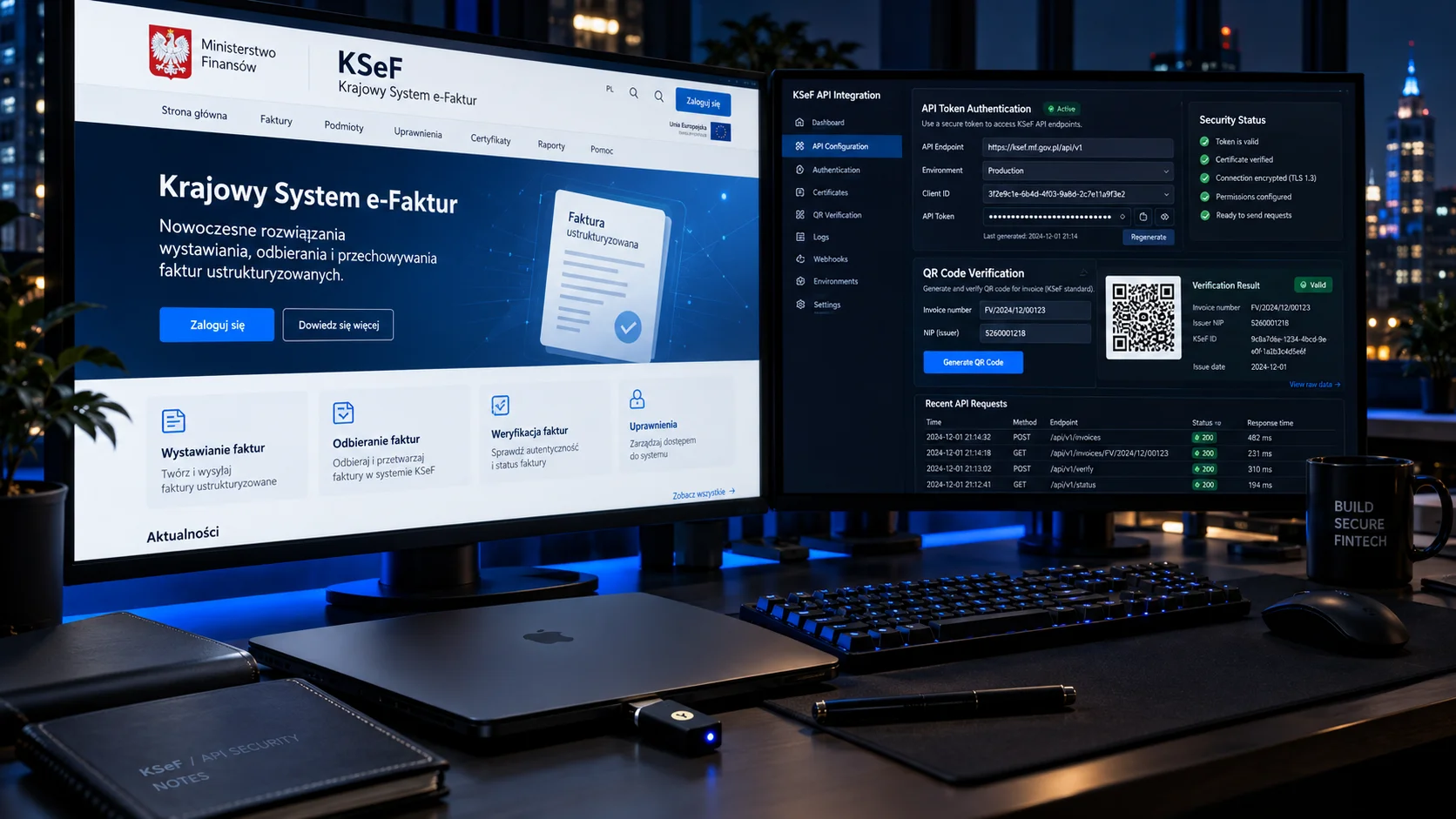
A guide for developers connecting their own system to KSeF 2.0 (Krajowy System e-Faktur, Poland’s National e-Invoicing System): choosing authentication, environments, certificates, the FA(3) schema, a PHP library and offline QR codes. Every problem below is one we ran into in a real integration (implementation write-up: KSeF in a booking system).
The legal situation and deadlines for businesses are covered in a separate article, KSeF from 2026. Official sources: ksef.podatki.gov.pl and the technical documentation from CIRF on GitHub.
In short
- KSeF obligation: from 1 February 2026 for companies with sales above PLN 200 million in 2024, from 1 April 2026 for everyone else.
- For a new integration, choose a KSeF certificate (type 1 for login, type 2 for offline mode). Tokens still work.
- Three environments: TEST, DEMO, PROD. Keys, certificates and tokens do not carry over between them.
- Most time goes into validating the FA(3) schema against the XSD. Validate locally before every submission.
Large companies and the FA(3) schema
The obligation to issue invoices in KSeF for taxpayers with sales above PLN 200 million (including VAT) in 2024. FA(3) applies from this date.
All other taxpayers
The obligation covers everyone else. Until 31 December 2026 you may issue invoices outside KSeF if monthly sales including VAT on such invoices do not exceed PLN 10,000.
Source of the deadlines: KSeF portal.
Token or certificate: which to choose
KSeF 2.0 offers two ways to authenticate an application: a KSeF token and a KSeF certificate.
The token is the older method: you generate it in the portal, store it in your system, and in every session encrypt it with the KSeF public key (RSA-OAEP) and send it in a challenge-response exchange. Its withdrawal at the end of 2026 was previously announced, but the KSeF portal now states that tokens will be kept indefinitely. A token carries the permissions declared by the taxpayer, so if it leaks from a database or backup, the attacker gets real access.
The KSeF certificate is the target method for machine-to-machine integrations. A .p12 (PKCS#12) file contains the certificate and a password-protected private key. The certificate is valid for up to 2 years, and a change to the holder’s permissions does not invalidate the certificate itself.
KSeF certificate
- Limited validity (max. 2 years), can be replaced before it expires
- Type 2 enables QR code II in offline mode
- Libraries (e.g. n1ebieski) support it natively
- The application requires authentication in KSeF (Trusted Profile, qualified signature or seal)
KSeF token
- Simpler start: generate it in the portal
- A secret to keep in your system (leak risk)
- Does not replace a type 2 certificate for QR code II
- Manual RSA-OAEP encryption without a library
Type 1 and type 2 certificates
According to the KSeF portal, there are two kinds of certificates, issued separately:
| Type | Purpose | Notes |
|---|---|---|
| Type 1 (authentication) | Logging in to the API in interactive and batch sessions | CN contains “uwierzytelnianie” (authentication) |
| Type 2 (offline) | Marking invoices in offline24, KSeF unavailability and failure modes; QR code II | CN contains “offline” |
You submit the application after authenticating in KSeF (Trusted Profile, qualified signature or qualified seal) in the KSeF 2.0 Taxpayer Application or via the API. The data in the application must match the identity data used to log in. A personal certificate can only be downloaded by the person it concerns, while a company certificate can be shared with employees, but the company is responsible for controlling its use.
The most common QR code II mistake
QR code II will not accept an authentication-type certificate. You need a separate type 2 certificate, and in the code you provide its serial number, not the number of the login certificate.
Environments: TEST, DEMO, PROD
KSeF 2.0 has three separate environments. According to the CIRF documentation:
| Environment | API (documentation) | QR code domain | Characteristics |
|---|---|---|---|
| TEST | api-test.ksef.mf.gov.pl/docs/v2 | qr-test.ksef.mf.gov.pl | RC versions, allows self-signed certificates, supports FA(2) and FA(3) |
| DEMO | api-demo.ksef.mf.gov.pl/docs/v2 | qr-demo.ksef.mf.gov.pl | Pre-production, configured like production |
| PROD | api.ksef.mf.gov.pl/docs/v2 | qr.ksef.mf.gov.pl | Invoices with full legal effect |
Rules that save hours:
- Do not send real data or production invoices to TEST and DEMO. Data in TEST may be shared between integrators, so use random NIP (tax ID) numbers.
- The test environments have maintenance windows (from 1 October 2025 they may occur between 16:00 and 18:00).
- In production, only keys, certificates and tokens issued in production are valid.
- Do not hard-code addresses: keep a map of environments and switch it with a single configuration variable.
KSeF integration
We will build a KSeF connector for your system
Invoice submission, QR codes, offline mode and a status panel, without replacing your current software.
See the service+48 731 377 999The n1ebieski/ksef-php-client library
n1ebieski/ksef-php-client is a PHP library for KSeF API v2. It supports certificate authentication, AES-256 key generation, XML encryption, opening and closing sessions, batch submission and checking invoice status.
composer require n1ebieski/ksef-php-client
# if your hosting lacks the bcmath extension:
composer require phpseclib/bcmath_compat
The flow for submitting one invoice:
Client and environment
You create a client with the chosen mode (TEST, DEMO, PROD), the path to the .p12 and the password.
Invoice DTO
You build the invoice from an array: seller (Podmiot1), buyer (Podmiot2), lines (FaWiersz), payment (Platnosc).
Submission
The library opens an online session, encrypts the XML with the AES key, sends the invoice and closes the session.
KSeF number
You poll the status until the invoice is accepted and you receive the KSeF number (and the UPO, the official receipt confirmation).
Pitfalls:
- Types in the DTO are validated strictly:
NrWierszaFamust be an integer, so cast explicitly. - The
FaWierszarray is indexed from 1, not from 0. - Closing the session is a POST call to the
/sessions/online/{ref}/closeendpoint. Other methods return an error with no explanation. - Shared hosting often lacks bcmath. The
phpseclib/bcmath_compatpolyfill works in pure PHP. - Send invoices sequentially (one session, one invoice), which simplifies handling limits and errors.
The FA(3) schema and XSD validation
FA(3) has applied since 1 February 2026. The Ministry points to the production version of the schema in CRD: crd.gov.pl/wzor/2025/06/25/13775 (check there that it is current before downloading the XSD). The main sections are Naglowek (header), Podmiot1 (seller), Podmiot2 (buyer), Fa with FaWiersz lines, and Platnosc (payment).
The rules that most often cause rejection:
- The order of elements must match the schema. In
Platnosc:Zaplacono,DataZaplaty,FormaPlatnosci,RachunekBankowy. ZaplaconoandTerminPlatnosciare mutually exclusive.PrefiksPodatnikabelongs insideDaneIdentyfikacyjne.
<Platnosc>
  <Zaplacono>1</Zaplacono>
  <DataZaplaty>2026-10-22</DataZaplaty>
  <FormaPlatnosci>6</FormaPlatnosci>
</Platnosc>
Validate every file locally before submission instead of guessing from API messages:
xmllint --noout --schema fa3.xsd faktura.xmlCreating the .p12 file and storing it
If you receive the certificate and key in separate files, bundle them into a PKCS#12 container:
openssl pkcs12 -export -in cert.crt -inkey private.key -out certyfikat.p12Keep the file outside the webroot directory, with chmod 600 permissions. Encrypt the password (e.g. with libsodium), and keep the encryption key outside the database and the repository. Base64 encoding alone is not protection. On TEST you can use a self-signed certificate, while DEMO and PROD require certificates issued by KSeF.
QR codes: OFFLINE and CERTIFICATE
According to the description on the KSeF portal, an invoice issued offline (offline24, KSeF unavailability or failure) that you hand to the buyer before sending it to KSeF carries two codes. After it is sent, one code with the KSeF number remains. The format according to the CIRF documentation:
- Code I (OFFLINE) points to
/invoice/{seller NIP}/{date DD-MM-YYYY}/{SHA-256 hash in Base64URL}. It does not require a certificate. - Code II (CERTIFICATE) points to
/certificate/{context type}/{value}/{seller NIP}/{certificate serial number}/{invoice hash}/{signature}. It requires a type 2 KSeF certificate.
The signature of code II covers the part of the address without https:// and without the trailing /. For RSA, use RSASSA-PSS with SHA-256, MGF1 with SHA-256, a 32-byte salt and a key of at least 2048 bits. For ECDSA: the P-256 curve with SHA-256, with the IEEE P1363 format recommended. Encode hashes and the signature in Base64URL. The QR code must comply with the ISO/IEC 18004:2024 standard.
Deadlines for offline modes
In offline24 mode you send the invoice by the next business day after the issue date, and in the case of an announced KSeF unavailability by the next business day after it ends. For the rules on total failure, see the modes table on the KSeF portal.
Integration architecture
The simplest model: a KSeF configuration table (NIP, environment, paths to the type 1 and type 2 certificates, serial number of the offline certificate) and ksef_* columns in the invoices table (XML, KSeF number, session reference, status, submission date, QR codes).
Working statuses: 0 new, 1 pending, 2 sent and accepted, 3 error. After status 2, lock editing of the invoice data, because it is already a document in the Ministry of Finance system. Handle batch submission with a queue. If you have a shop or an ERP that should issue invoices, see shop and ERP integration and the integrations page.
Implementation checklist
- Install the library (and the bcmath polyfill, if needed).
- Issue test certificates and bundle the .p12 outside the webroot (chmod 600).
- Write an FA(3) XML generator and validate locally against the XSD from CRD.
- Implement submission, status polling and saving the KSeF number.
- Add QR codes I and II for offline modes (type 2 certificate).
- Test TEST, then DEMO, and only then PROD.
- Lock invoice editing after submission and add error logs.
Working time depends on experience: for us it is 20-30 hours when the API is familiar and 40-60 hours for a first integration. These are estimates from our own projects. You will find indicative integration prices in the price list, and a ready-made solution for bookings is described on the online booking system page.
Need help?
Need a secure KSeF integration?
We build dedicated API connectors, background invoicing modules and offline QR code generation for business applications. We reply within 24 hours.
Write to us (reply within 24 h)Call: +48 731 377 999